Useful Terms
Sites
Sites are Smartsign's way to organize screens, users, media and other resources. If you have access to several sites, you choose the one to work in under Active site in the user menu. See Sites, users & invitations.
Screens
Screens are the physical screens connected to your site. Each screen shows one or more channels. See Screens.
Channels
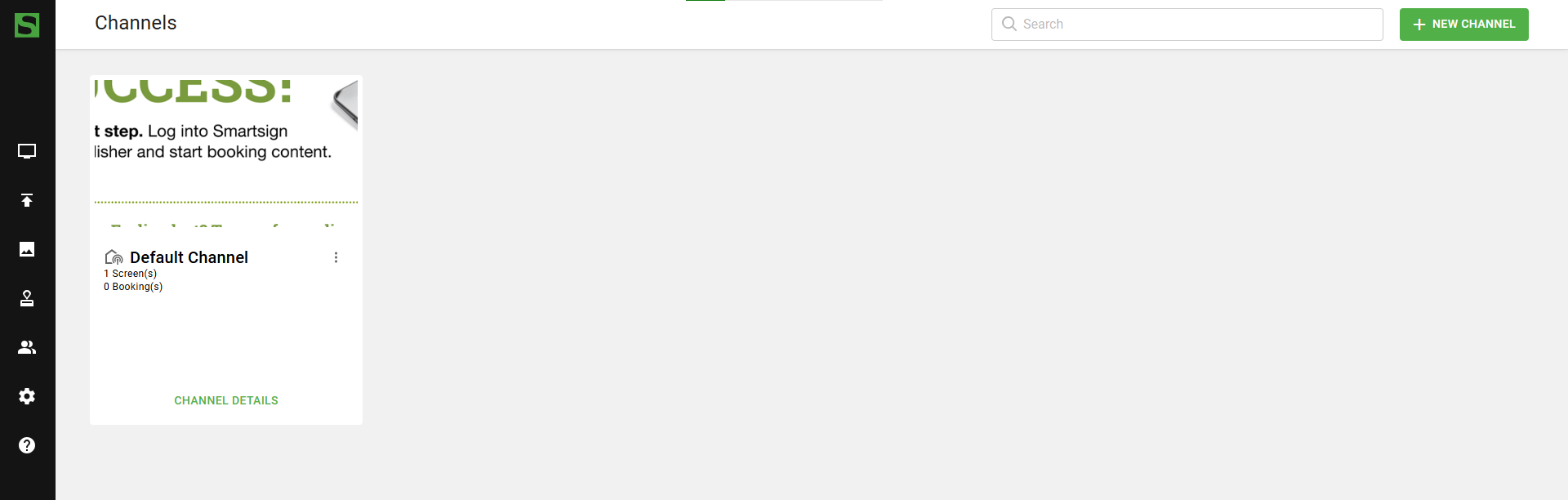
Channels contain the bookings you create. It is possible to have multiple channels with different information. By default, the channel will play in fullscreen, but it can also be shown on different parts of a screen layout.
Screen Layouts
A screen layout is a smart media item that defines how content is arranged on a screen. It can split the screen into sections, for example to show your logo, a clock or a news feed next to one or more channels. See Screen Layouts.
Bookings
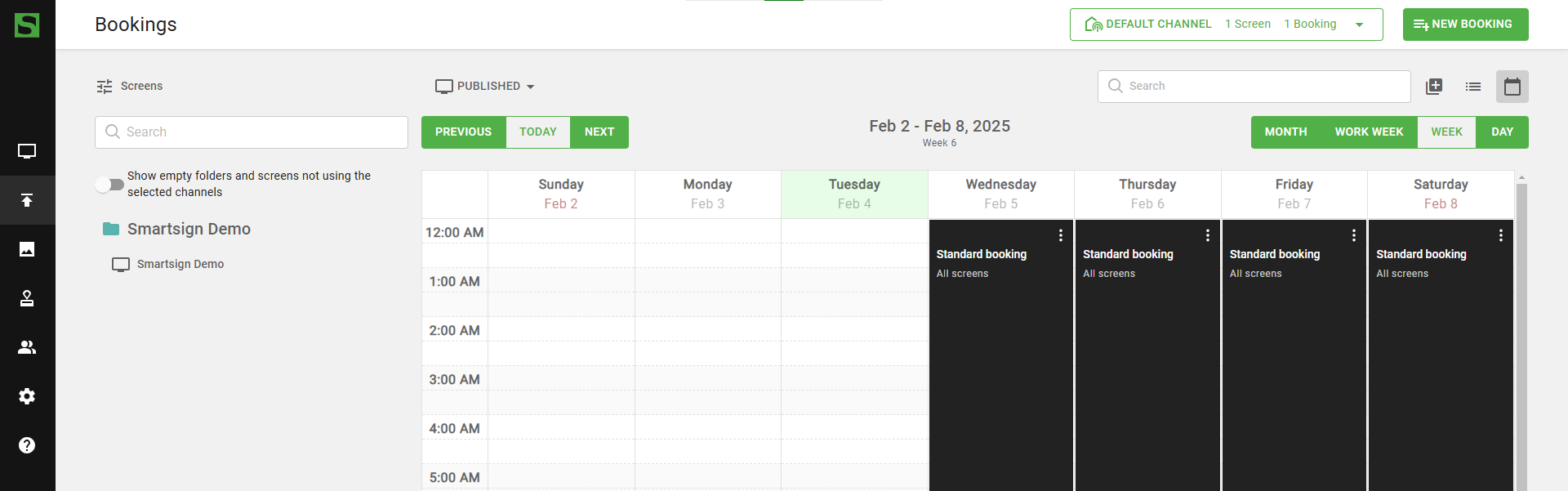
Bookings contain the playlists that is shown in the selected channel. You can have multiple bookings with different content and start- and end dates.
Use the calendar to decide what content will appear on your screens and when.
Media Library
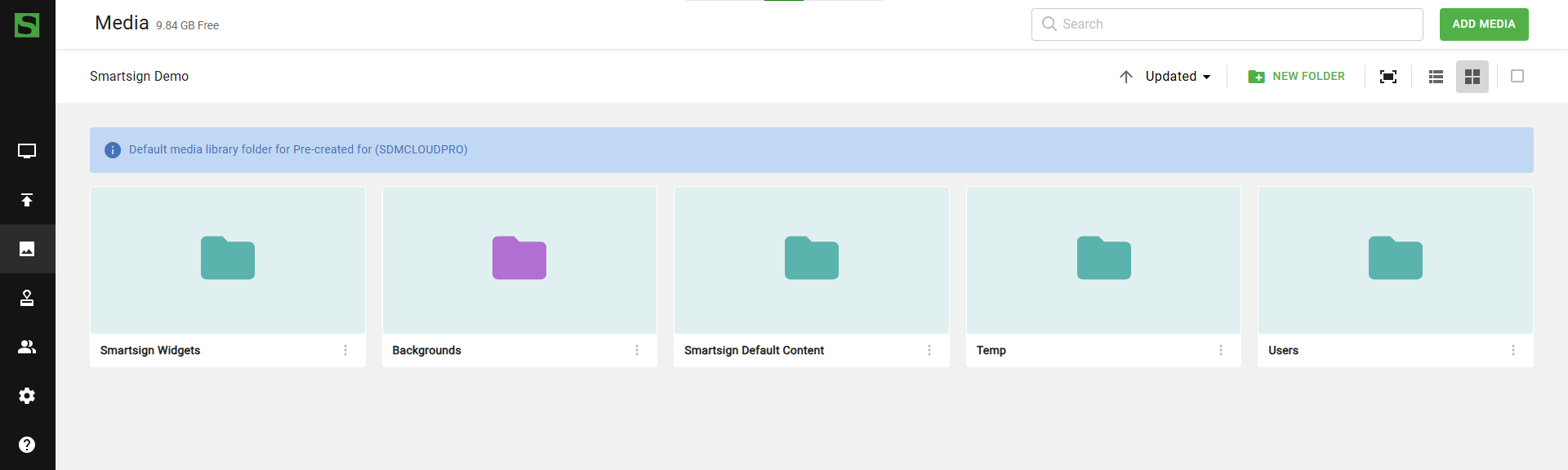
The Media Library is where you store and organize your content. This can include images, videos, smart media, and other media files. Open it from Media in the main menu.
You can upload new content or reuse previously added items for your screens.
Smart Media
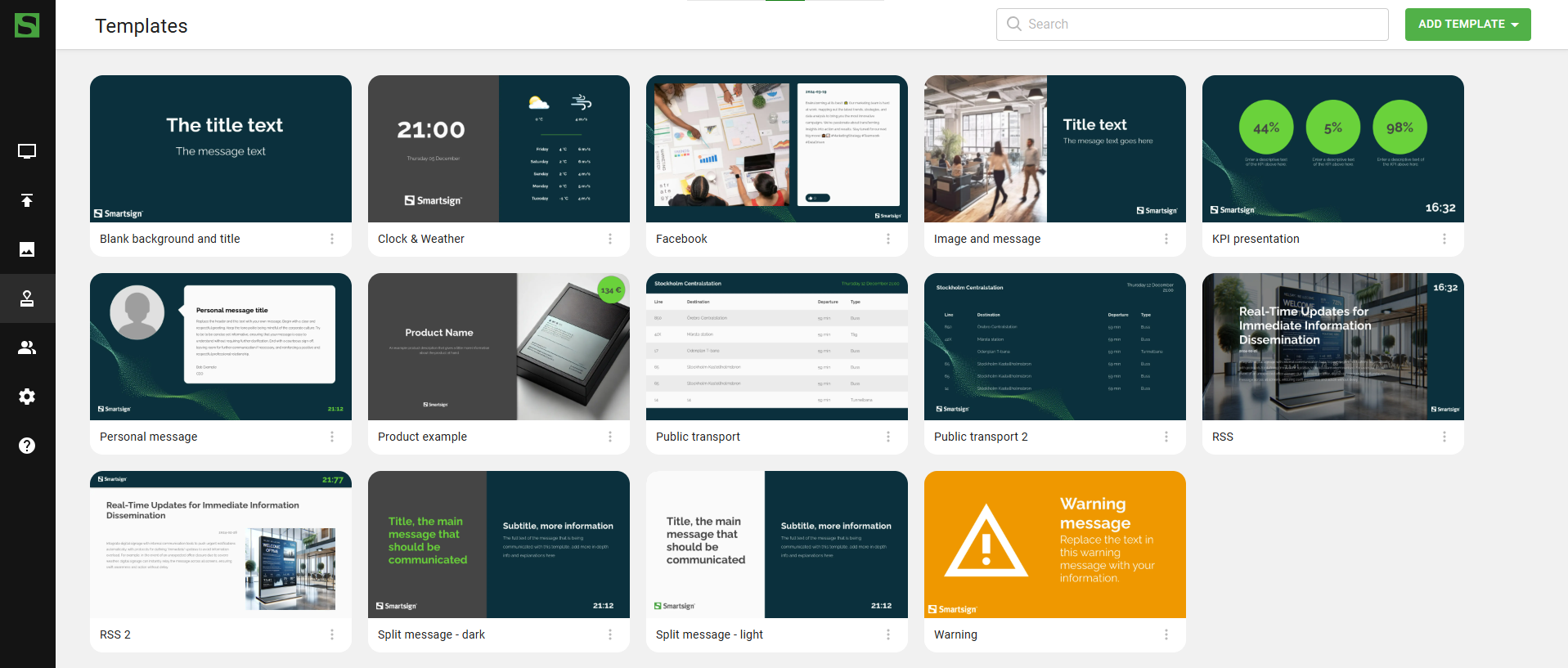
Smart media are created based on the templates you have in your site, for example a message with your own text and images, or content that shows data from a datasource. See Smart Media.
Templates
Templates are pre-designed content that you can edit directly in Smartsign and use it on your screen. They are versatile and can be used for manually added content, such as text and images, as well as for integrating data from external sources.
Marketplace
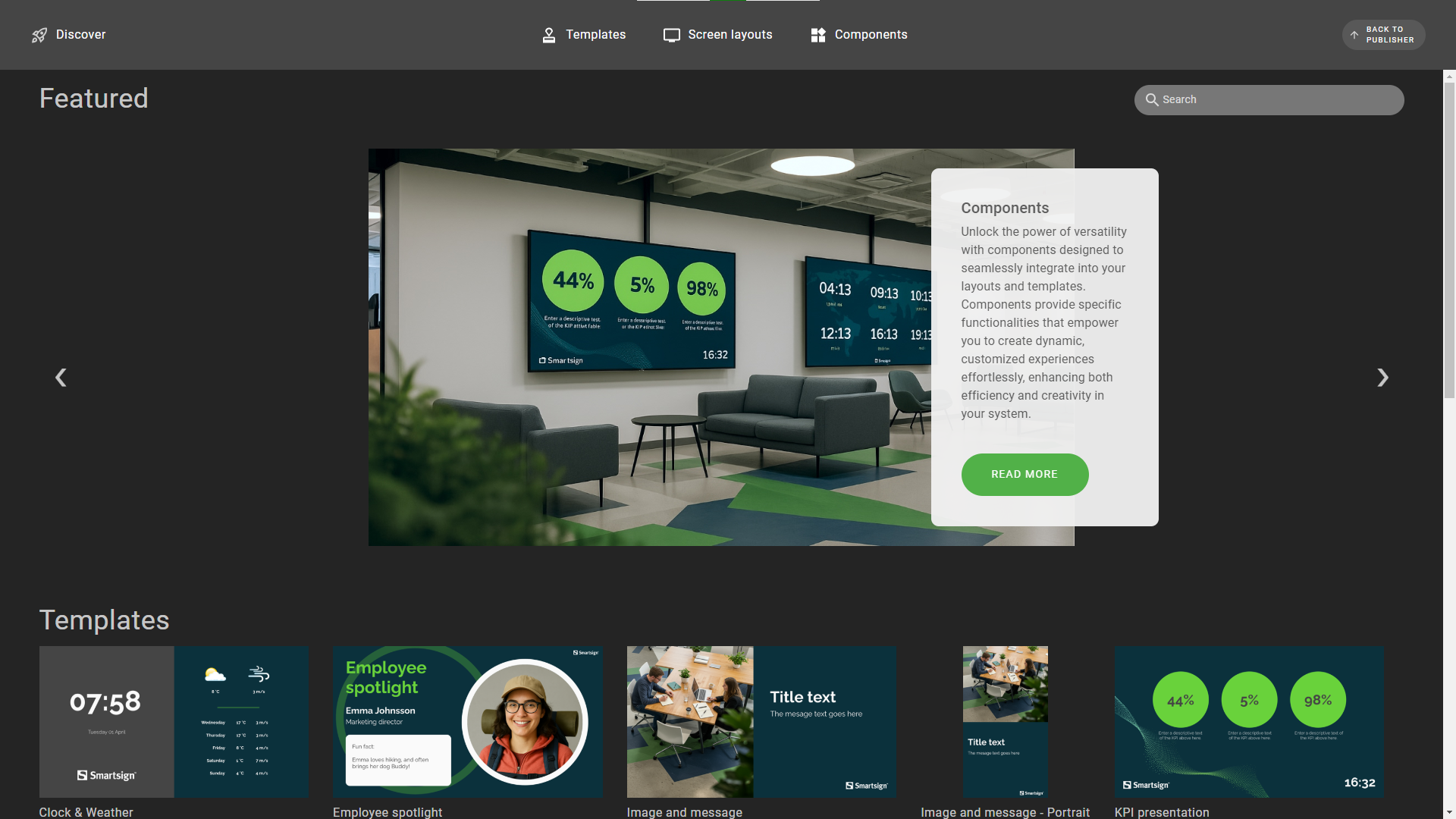
The marketplace can be used to browse templates, screen layouts and additional content and download them to your site.
Themes
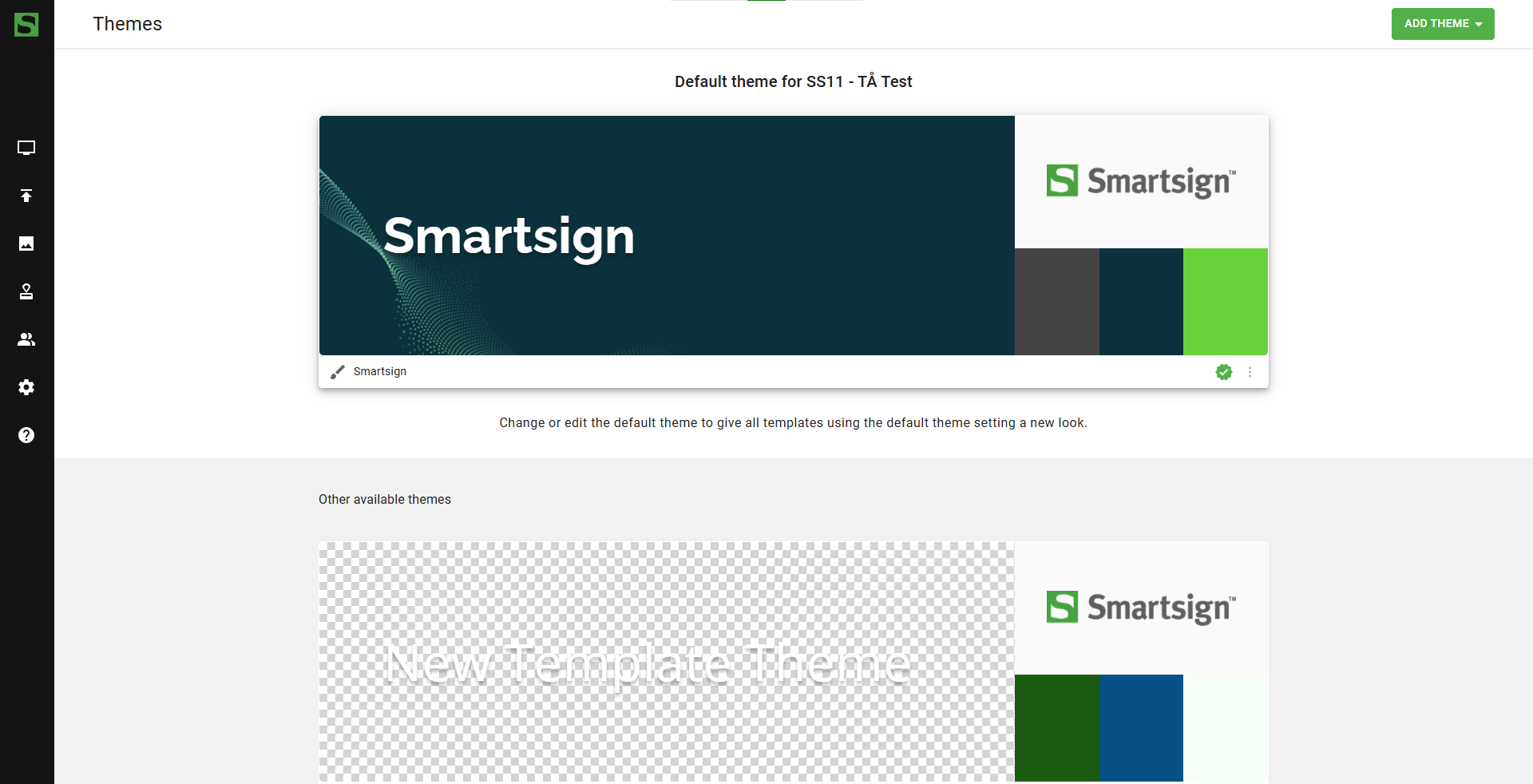
Themes are used to set the overall look and feel of your templates & smart media to match your graphical profile. Change in theme will apply to all templates using it. It is possible to have multiple themes and apply them to the templates as needed.
Datasources
Datasources are used to fetch external data to show on a screen using Smart Media. This will provide the screen with automatic updates from example news feeds, social media, KPI's and other data. They are managed under Templates -> Datasources.
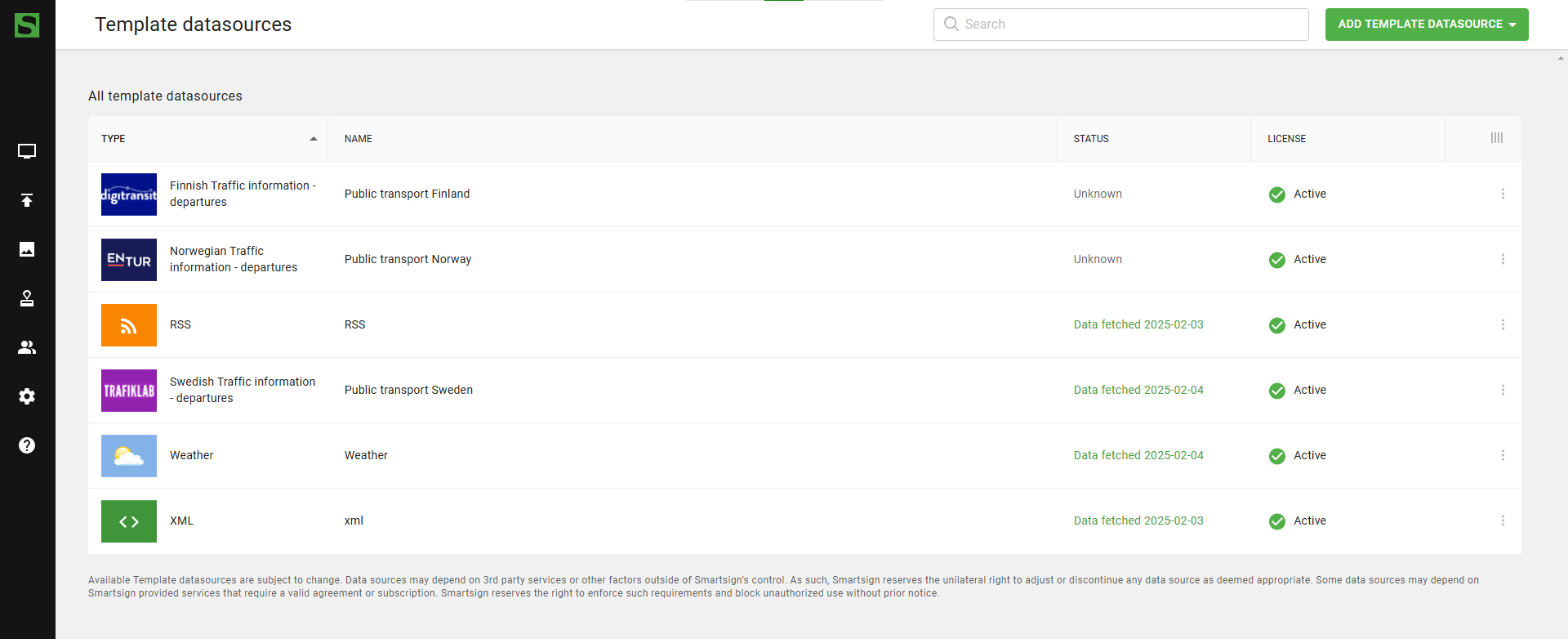
See all available datasources.